Activity
Every request shows what came in and each step she takes: CRM lookups, Drive searches, the pages she opens or edits, and her reply. When she works on a document, the step shows a picture of the page.
- In web chat, the steps appear under your message as she works. Click her picture for the Activity list of your recent requests.
- Full page: Open Activity in her panel opens it at
/dashboard/live. - On your phone: open
/watchon your team's address. On WhatsApp she sends that link the first time she starts on a file.
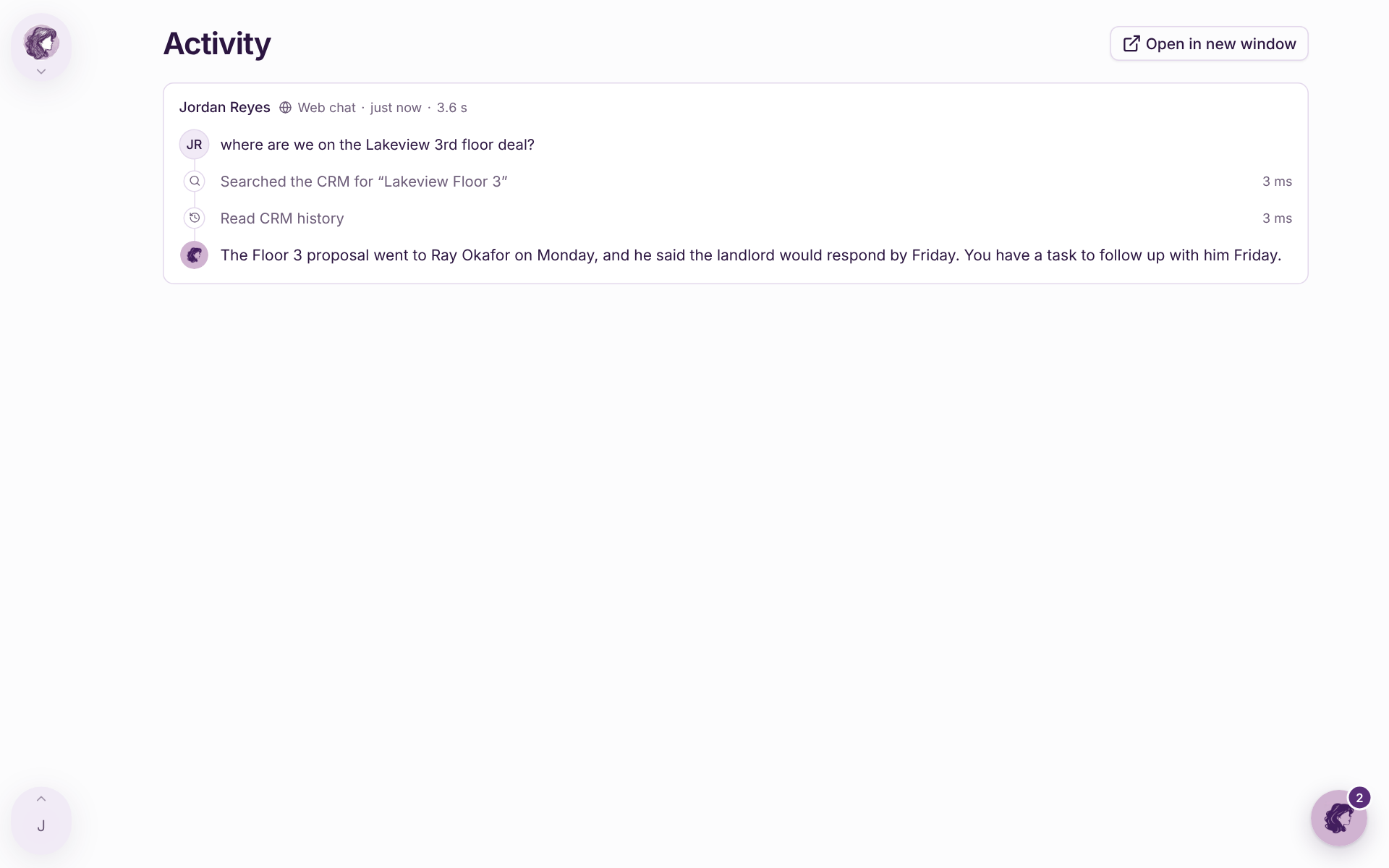
Members see their own requests. Owners can see everyone's, and only owners see which AI model handled a request.
Matilda's orb
On every page but Chat, Matilda's picture sits at the bottom right.
- Callouts pop up beside it when she starts on one of your requests, opens a file worth seeing, finishes, or has a change waiting for your yes. Click a callout to go where it happened.
- A number on the orb counts what you haven't seen. Click the orb to open your Activity in Chat.
- Hover for shortcuts: Soul, Memory, Computer, WhatsApp and Activity.
- A small monitor on her picture means she's using her computer.
The orb isn't a chat. To talk to her, use any of your channels.