Find your way around
Sign in at your team's address, for example app.matildahq.com. Chat opens first.
The four corners
| Where | What's there |
|---|---|
| Logo, top left | Hover for the menu: Chat, Library, Feed, Shared Chats and Search. Click the logo to pin the menu open. Drag items to reorder them. A dot on Feed means something new. |
| Your picture or initial, bottom left | Hover for Profile and Organization. |
| Her picture, top of Chat | Click for her panel: Activity, Memory, Soul and Computer. Hover for shortcuts and the share switch. |
| Her picture, bottom right | On every page but Chat: the orb. It calls out what she's started, finished, or needs a yes on. |
On a phone, the menu is a drawer: tap the button at the top left.
Pages
| Page | For | More |
|---|---|---|
| Chat | Talking to her in the browser | Chat with Matilda |
| Library | Every file she made or changed, private or shared, with deadlines | Documents |
| Feed | What she found in your tools, hour by hour | Feed and watches |
| Shared Chats | Chats teammates shared with the team | Privacy and sharing |
| Profile | Your apps, account, time zone, look and sign out | Below |
| Organization | Members, teams and the firm's settings | Organization settings |
Search everything
Press ⌘ K (Ctrl K on Windows), or / when you're not typing, or click Search in the menu.
Results are grouped: Pages, Asked Matilda (your own past messages; picking one puts it back in the chat box, unsent), Documents, Deadlines, Email drafts and Scheduled. After three letters it also looks inside the text of your documents. Arrow keys and Enter move and open; Esc closes.
Profile
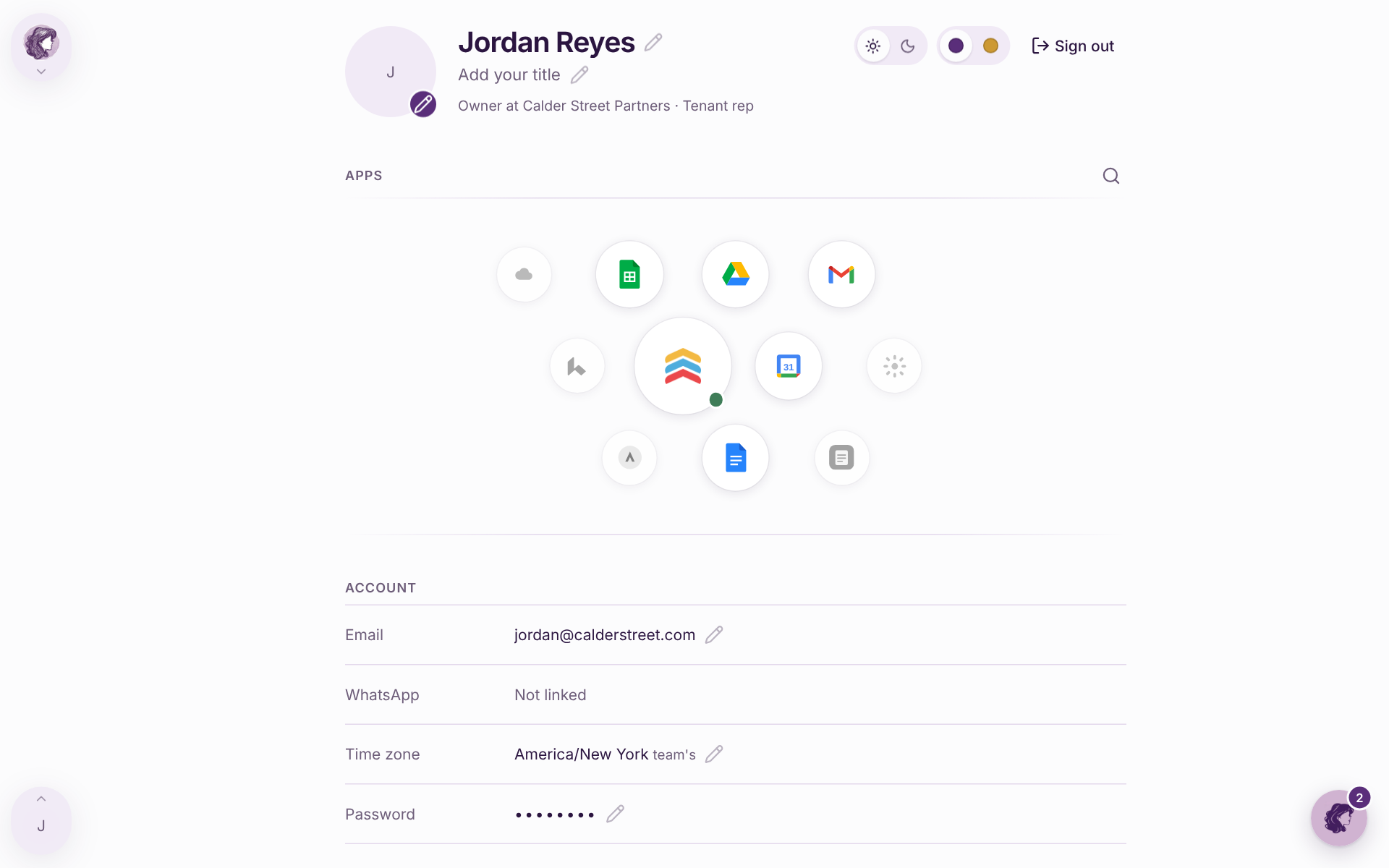
- You: your picture, name and title. Click a pencil to change one.
- Look: light or dark, and a color scheme (Amethyst, SRG, or your firm's own if an owner made one). Kept per browser.
- Apps: connect, reconnect or disconnect each tool. How
- Account: email, WhatsApp number, time zone and password.
- Feed and morning brief: shows your brief's schedule. To change it, ask her.
- Sign out is at the top right.
A page is missing?
An owner can switch Chat, Library, Shared Chats, Activity or Computer off for the team on Organization → Features. A page that's off leaves the menu.