Morning brief
Once a day, Matilda sends one short message with what needs you today, wherever you last talked to her. It's a digest of your Feed.
What's in it
What's unread in your Feed from the last day, plus anything high priority still open from the last three: changes waiting for your yes, today's meetings and reminders, deadlines, new email, CRM changes. Items are numbered, so replying "3" picks one up. Up to seven lines unless your owner changed it. Nothing to report, nothing sent.
The same brief sits at the top of your Feed for the day.
Set your own
Ask her:
- "Send my brief at 7."
- "Only Monday to Thursday."
- "Stop the morning brief." · "Turn my brief back on."
- "Brief me." sends one now.
Your current schedule shows on Profile, under Feed and morning brief. Briefs go out in your own time zone.
For owners: turn it on for the team
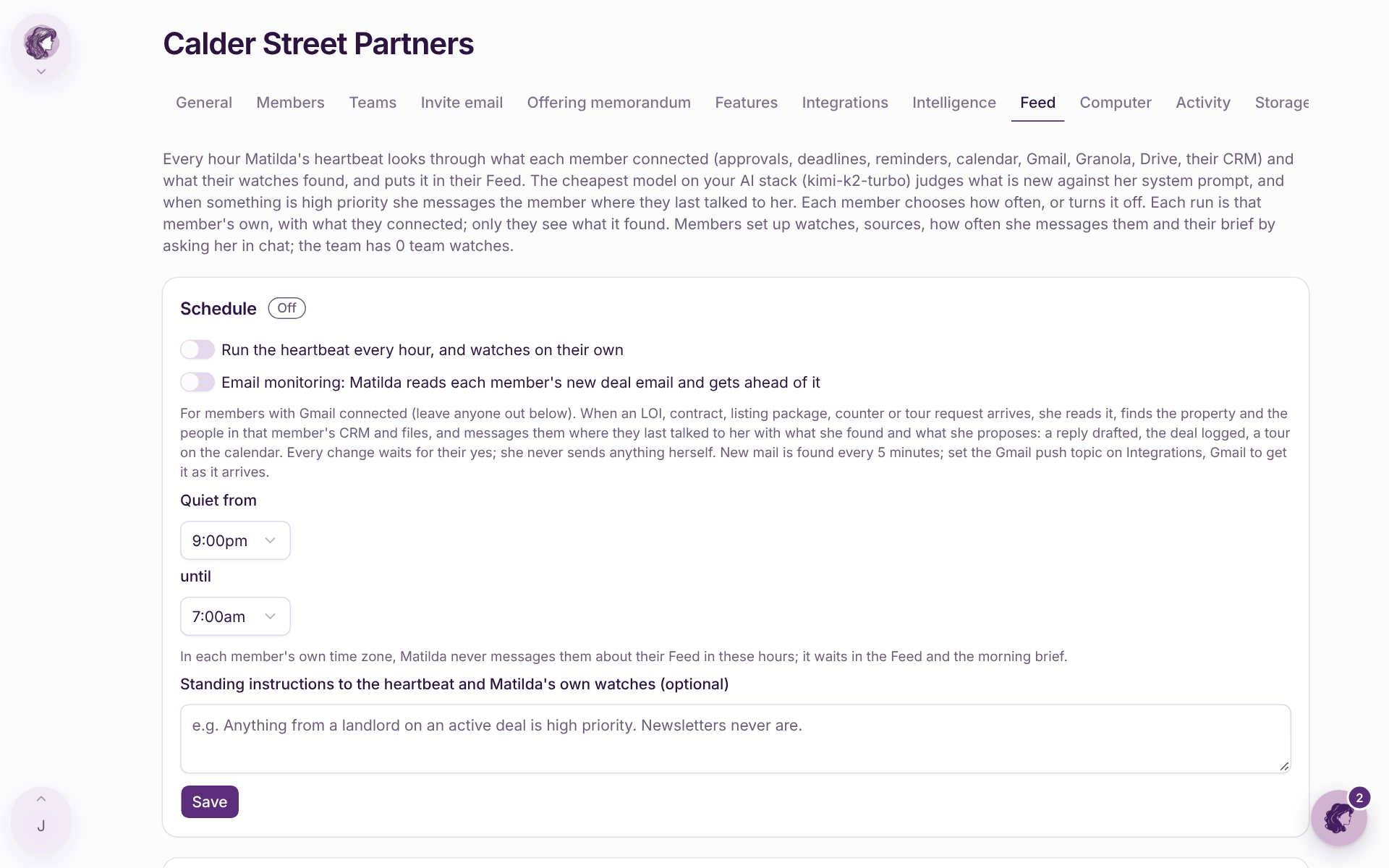
The team brief is off until an owner turns it on in Organization → Feed, under Morning brief: time (7:30 AM by default), days (weekdays), how many items (3 to 10), and standing instructions like "Put industrial deals first." Send to everyone now and a run log are there too; the log never shows what a brief said.
WhatsApp lets Matilda message freely only within 24 hours of your last message. After that, if your owner set up a WhatsApp template, she sends a short "reply brief" note and the brief follows when you reply. Otherwise it goes to the iPhone app.