Set up channels and AI
Everything here is on Organization (hover your picture at the bottom left), and only owners see it. Channel pages work the same way: paste the details, click Save settings, click Test. No restart needed.
Not technical?
Email hello@matildahq.com and we'll set these up with you. It's part of implementation.
1. AI provider
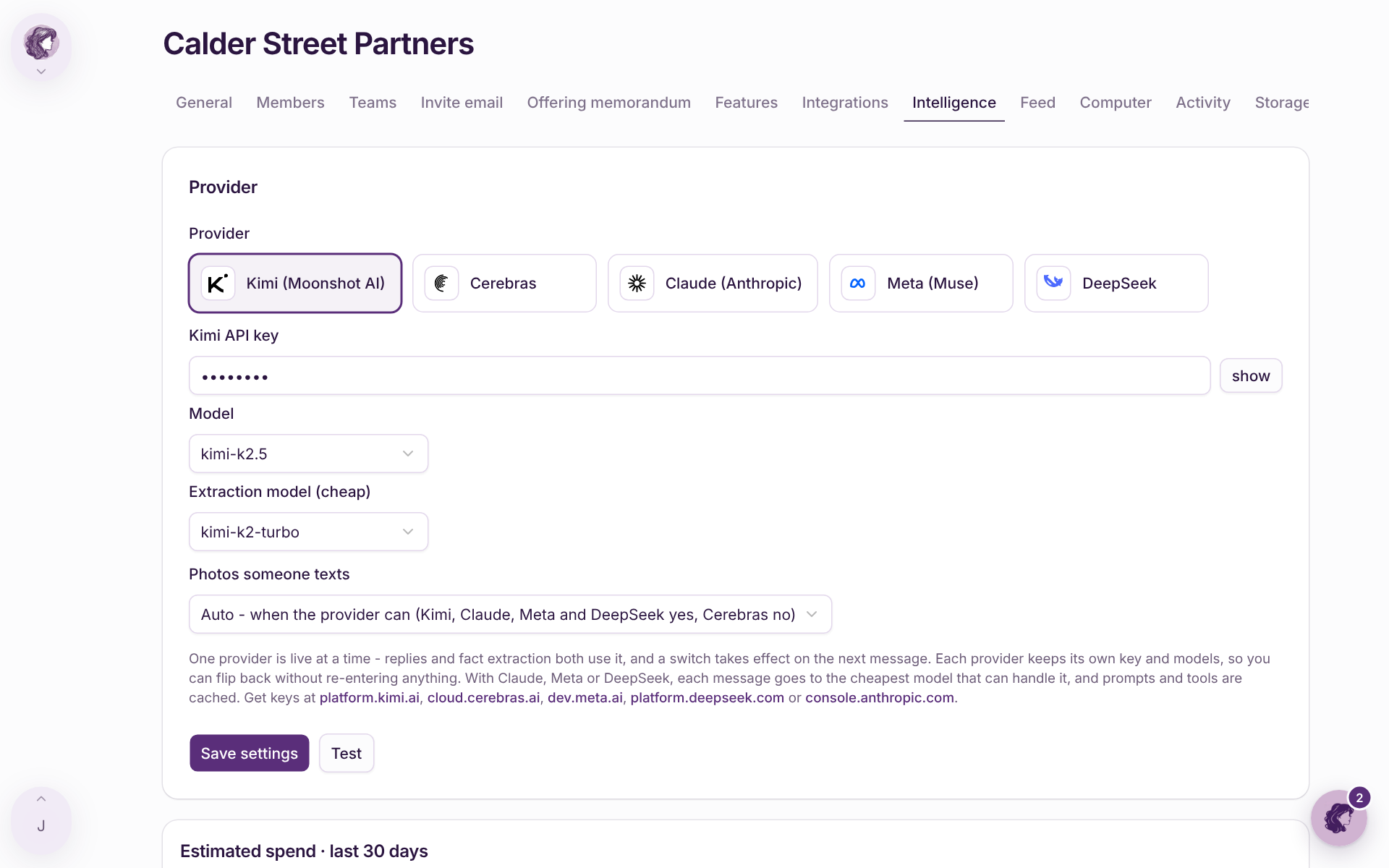
Matilda needs this to think. On Organization → Intelligence, pick a provider, paste its API key, click Save settings, then Test.
| Provider | Models |
|---|---|
| Kimi (Moonshot AI), Cerebras | One main model and a cheaper one for background reading |
| Claude (Anthropic), Meta (Muse), DeepSeek | Four tiers (chat, everyday, complex, hard), with Route each request to the model it needs |
- One provider is live at a time. A switch takes effect on the next message, and each provider keeps its own key and models.
- With Claude, Allow the hard model is off by default; it costs about 2.5 times the complex model.
- Photos someone texts can be read automatically, always, or never.
- Estimated spend shows the last 30 days by provider, with a price and usage table for each. These are estimates from list prices; your provider's invoice is the source of truth.
Only owners see which model handled a request, here and in Activity. Members and admins never do.
2. Channels
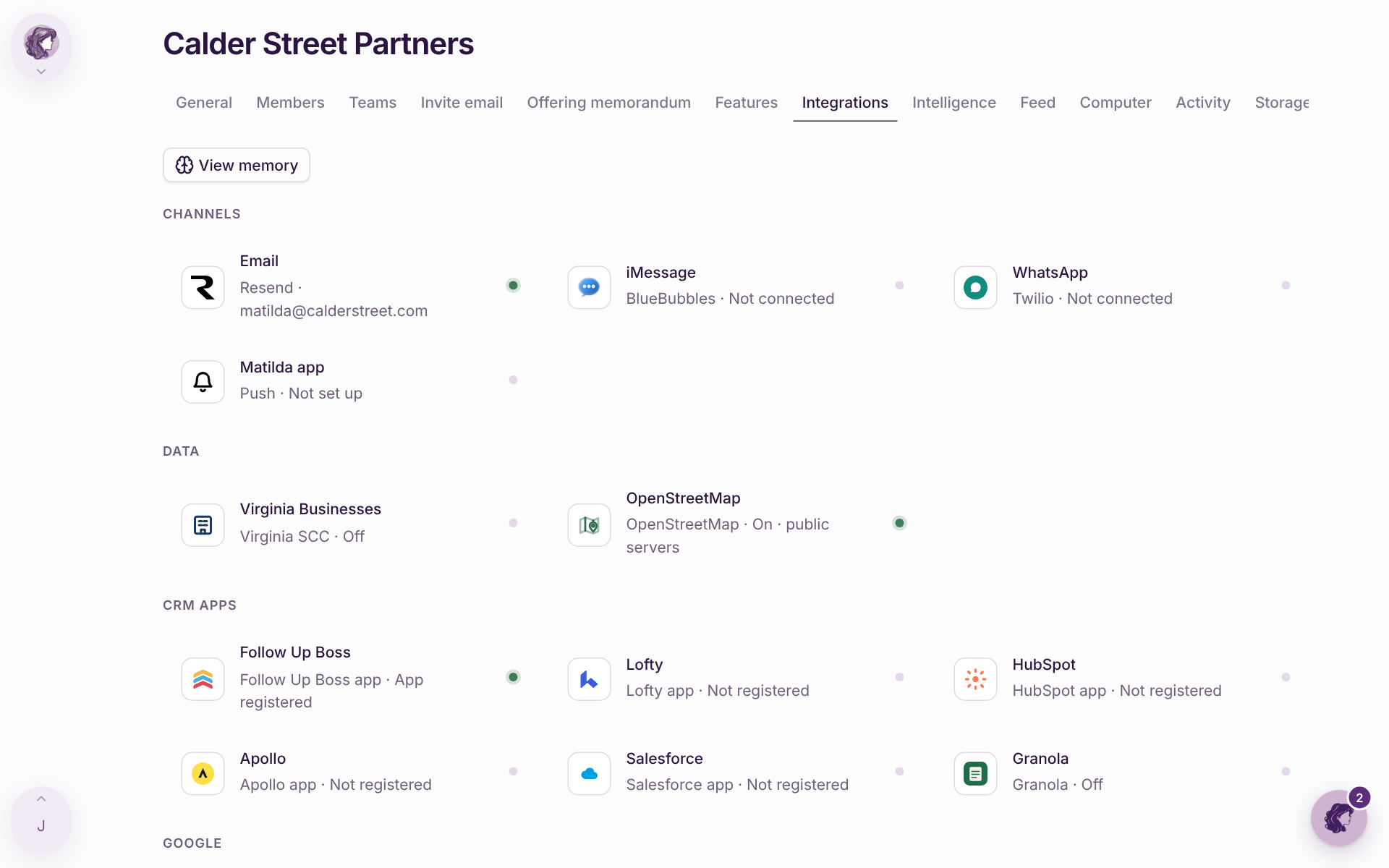
Open Organization → Integrations and click a channel. Web chat needs no setup.
| Channel | Uses | You'll paste |
|---|---|---|
| Resend | An API key and a From address on a verified domain. To let members email Matilda, turn on receiving in Resend, point its email.received webhook at the URL shown, and paste the signing secret. | |
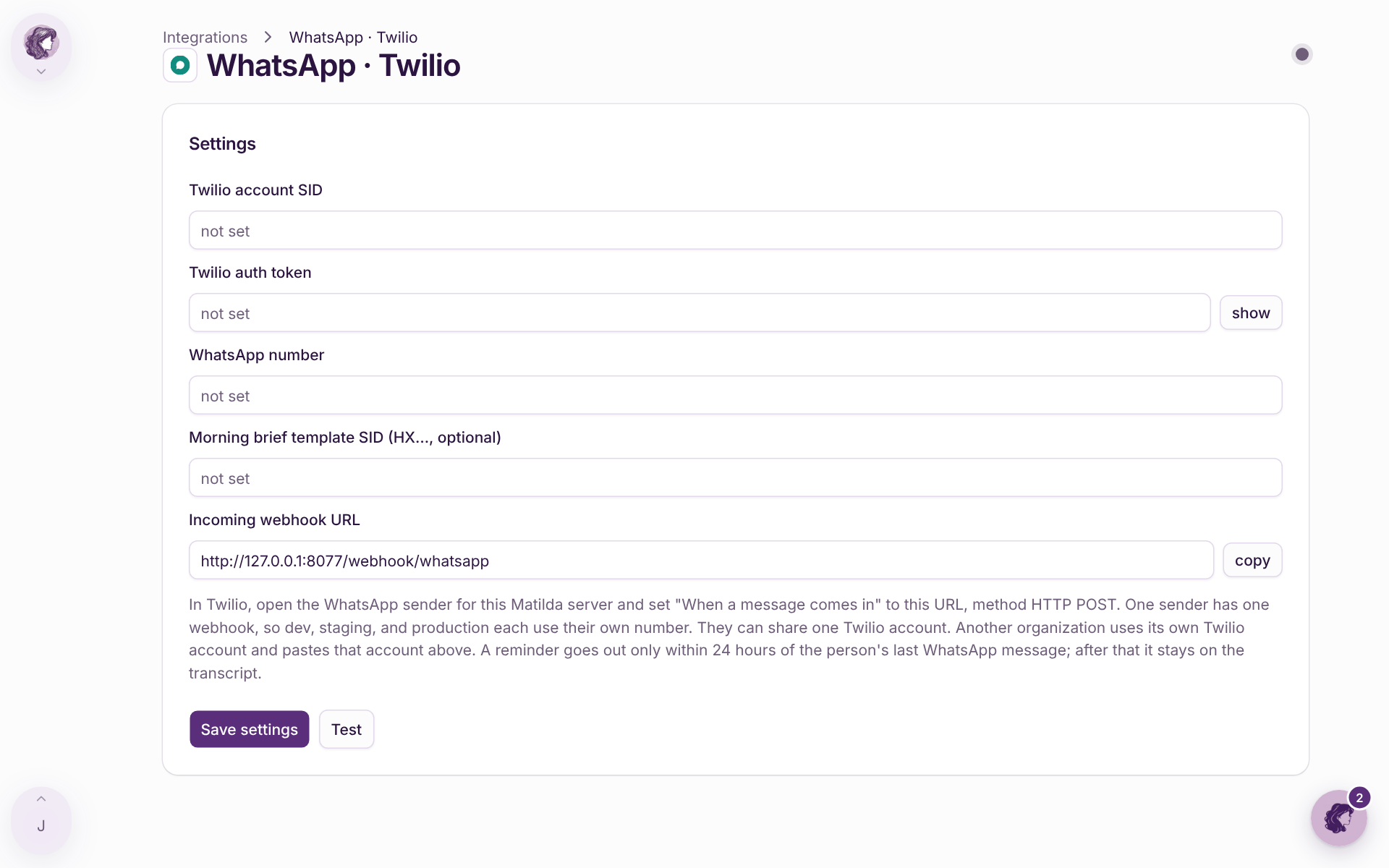
| Twilio | Account SID, auth token and the WhatsApp number. Then set the sender's When a message comes in to the page's webhook URL (HTTP POST). | |
| iMessage | BlueBubbles on an always-on Mac | The server URL, password and iMessage number. Generate the page's webhook URL and add it in BlueBubbles (API & Webhooks) for new messages, message updates, typing indicators and message errors. |
| Matilda app | Apple push notifications | Key ID, Team ID, the .p8 key and the bundle ID from Apple Developer. |
Notes per channel
- Email: Send test email checks delivery, and the page lists recent emails. Add a team inbox address and mail from non-members is forwarded there; otherwise they get a short note that Matilda is for members. Invites and system emails carry your firm's logo and color.
- WhatsApp: one sender has one webhook. After 24 hours without a message WhatsApp allows only approved templates; to send morning briefs then, create a template in Twilio and paste its Content SID.
- iMessage: if the Mac isn't reachable from the internet, upload a WireGuard config under Private network and click Connect. Screen effects on milestones can be switched off.
Next
Turn on apps so members can connect Google and their CRM.